Step 1
Start off by signing up for a Yahoo account (unless you already have one).
You can sign up here.
Step 2
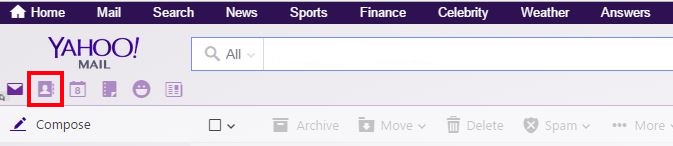
Then visit mail.yahoo.com. Once you have logged in, go to your address book.
Step 3
Click on Import Contacts on choose Facebook. It may ask you to log in and allow Yahoo access to your contacts.
Step 4
Once the import has finished click on Actions and choose "Print All..."

Step 5
From the Layout section, choose Basic view and then press the blue Print button. We don't actually want to print it so once the print dialogue opens, select Cancel.
If nothing happens when you click Print, disable your pop-up blocker for this website.

Step 6
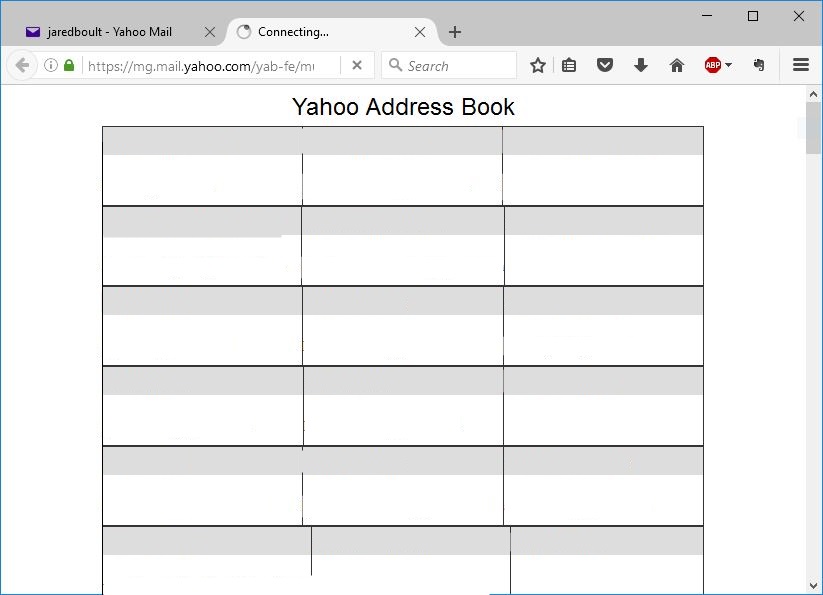
Done! You will be left with a table of your Facebook contacts and their email addresses. You can copy and paste them into a spreadsheet or into Outlook for further tidying-up.
0 Comments